
Use Your Weather Station's Rain Sensor for Irrigation
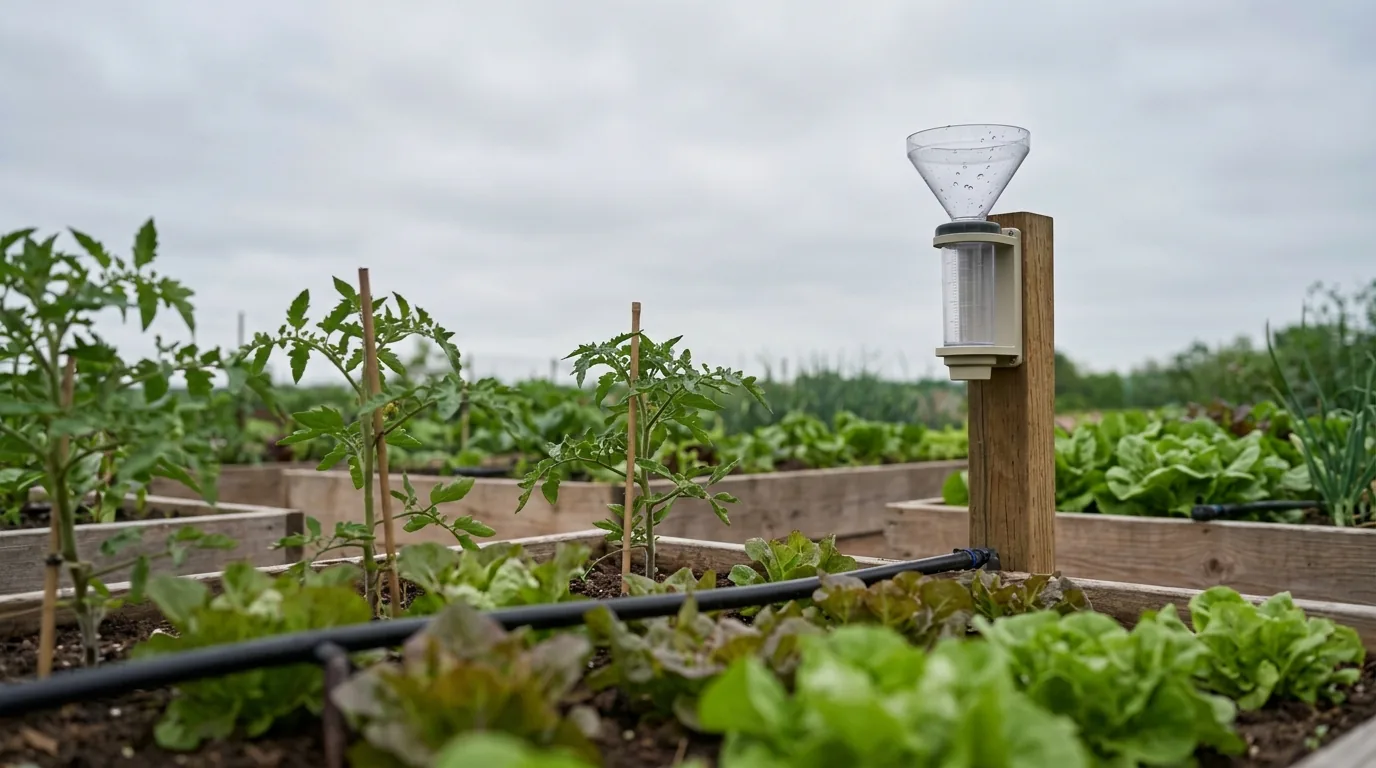
If you already own a weather station, you may already own a rain gauge. ZoneFlow needs rain data to decide how much to water, and before 1.6.5 it only understood one kind of rain sensor: the simple tipping bucket that counts tips. A weather station reports rain in other ways, so people ended up building a second gauge or typing rain in by hand.
From ZoneFlow 1.6.5 you can use the station's own rain sensor. You pick it in the zone settings and tell ZoneFlow what kind of number it reports. This post is about choosing the right sensor and the right type, because that is the only part that takes any thought.
One honest note first: the weather-station types are new and have not been tried on real hardware yet. The sensor names below come from the Home Assistant integrations' documentation. Check the numbers against a jar or a look out of the window for the first few rains, and tell me what you find.
Why it matters
ZoneFlow takes rain off the amount it waters, lets wet soil dry out before the next watering, and stops a run that starts in the rain. All of that depends on knowing how much rain fell on your garden. A gauge a few metres away is far better than a forecast for a town 20 km off.
Step 1: Find the rain sensors your station gives Home Assistant
Open Settings, Devices and services, find your weather station, and look at its entities. Anything with "rain", "rainfall" or "precipitation" in the name is a candidate. There are usually several, and they report different things, so look at the unit and at how the value behaves over a day:
- A value that only ever goes up is a total.
- A value that goes up through the day and drops to zero at midnight is a daily total.
- A value that jumps up during rain and falls back to zero when it stops is a rate (millimetres per hour) or an amount per reading.
- A value that goes up and down all day is a rolling value, such as "rain in the last hour" or "last 24 hours".
Step 2: Pick the type in ZoneFlow
Open the zone, go to Configure, then Zone settings. Choose the rain sensor, and then set Rain gauge sensor type to match what you found:
- Tip counter for a tipping bucket that counts tips. This is how it always worked, and existing zones keep it.
- Rain total for a total that only goes up, or a daily or weekly total that starts again. This is the best choice when your station has one. ZoneFlow only counts the increase, so the drop back to zero at midnight is not read as rain.
- Rain per reading for a sensor that reports the amount since the previous update. Every reading is added up.
- Rain rate for millimetres (or inches) per hour. ZoneFlow adds the rate up over time. This works, but it is less exact than a total, and a reading counts for at most 15 minutes so a sensor that stops updating does not keep adding rain.
Sensors in inches or centimetres are converted to millimetres for you. The tip size setting only applies to a tip counter, so it disappears for the other types.
If several zones share the same garden, you can set the rain gauge once on an area (ZoneFlow 1.7.0 and newer) and every zone in it uses it. See Areas, plants and presets.
Don't use a rolling value. "Rain in the last hour" and "rain in the last 24 hours" go up and down, so they can't be added up. If that is all your station offers, look for a total or a rate from the same station.
What to pick on common stations
- Ecowitt (and Froggit, Misol and Fine Offset clones): use Rainfall or Yearly rainfall as a Rain total. Daily rainfall works as well.
- Ambient Weather: use Lifetime rain or Daily rain as a Rain total. Leave Last 24 hours rain alone, it is rolling.
- WeatherFlow Tempest: use Precipitation as Rain per reading. It is the amount over the previous minute.
- Netatmo rain module: sum_rain_24 is reported as a total that goes up, but some users say it is a rolling 24 hours. Check it against your own gauge before you rely on it.
- Davis WeatherLink: use the daily total as a Rain total.
- Your own tipping bucket (ESPHome, Zigbee, Tuya): a tip counter stays a Tip counter. If it already reports millimetres, use Rain total.
The full list is in Rain gauges and weather stations.
Things that catch people out
- Changing the sensor or the type starts the rain history again. Rain Today and the rain windows begin at zero. That is expected.
- The first reading is a starting point, not rain. A lifetime total of 1,234 mm does not count as 1,234 mm of rain.
- Short checks need a station that reports often. "Is it raining right now" looks at the last 15 to 60 minutes. A station that updates every few minutes still works, but those checks react more slowly.
- Two stations are not one gauge. Pick one sensor per zone. Several zones can share the same one.
How to check that it works
After the first proper rain, compare three things: what your station says fell, the Rain Today sensor on the zone, and a jar or ruler if you have one. They should be close. If ZoneFlow shows far more or far less, the type is probably wrong. A rolling sensor chosen as a total, or a total chosen as a rate, are the usual causes.
Then open the zone's Status the next morning. If the rain was enough, it should say so, for example that recent rain covers what the zone needs. If you want to understand why a zone did or didn't water, Why didn't it water today goes through each reason.
No station and no gauge?
You still have two options. You can type in rain you read from a jar, or borrow readings from private weather stations near you. Both are in Rain without a gauge. And if you want a gauge of your own, there is a cheap one in A cheap DIY rain gauge for ZoneFlow.
The short version
Find the station's rain total, set Rain gauge sensor type to match, and ZoneFlow takes care of the rest. Avoid rolling values, and check the first rain against something you trust.